Billing & payments
Invoices
Learn how to download and pay invoices for your club license and additional packages directly from the system.
Overview and Management of Invoices
Depending on your license, the system offers several options regarding your invoices and payments. For invoices related to your club license or additional SMS/email packages, these will appear in the "Club Finance" tab.
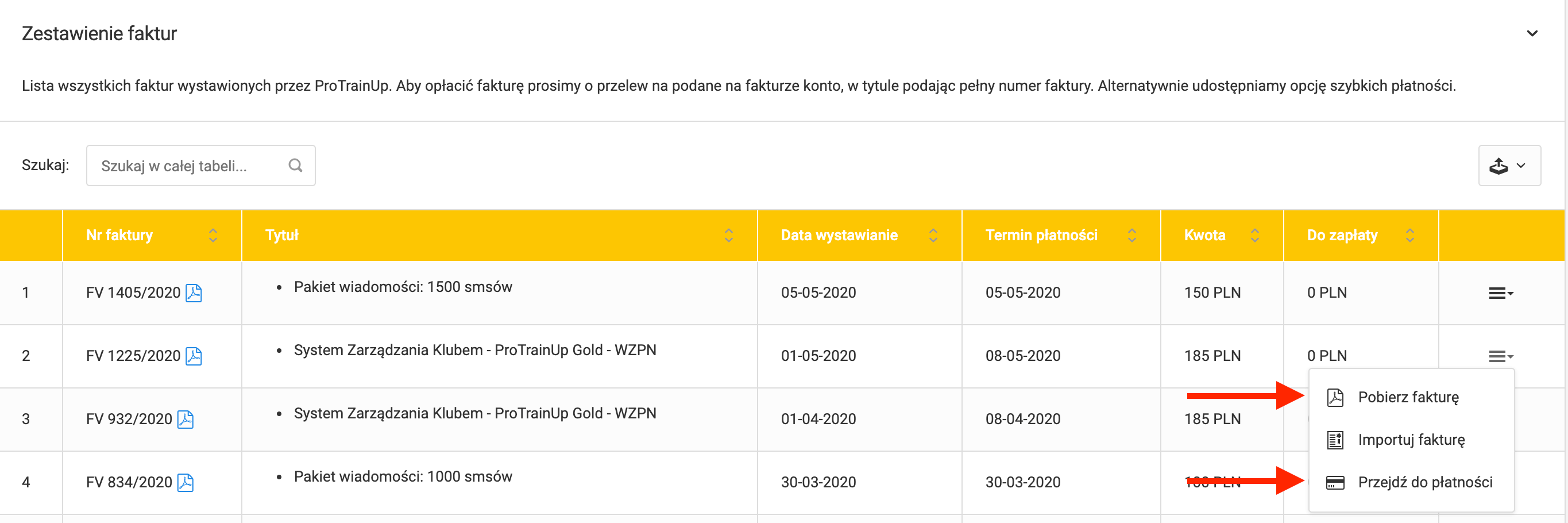
From here, you can download, import, or pay any invoice. To do this, click on the menu (last column) next to the selected invoice. Click "Download invoice" to save the invoice as a PDF file to your computer's hard drive.
Paying invoices online
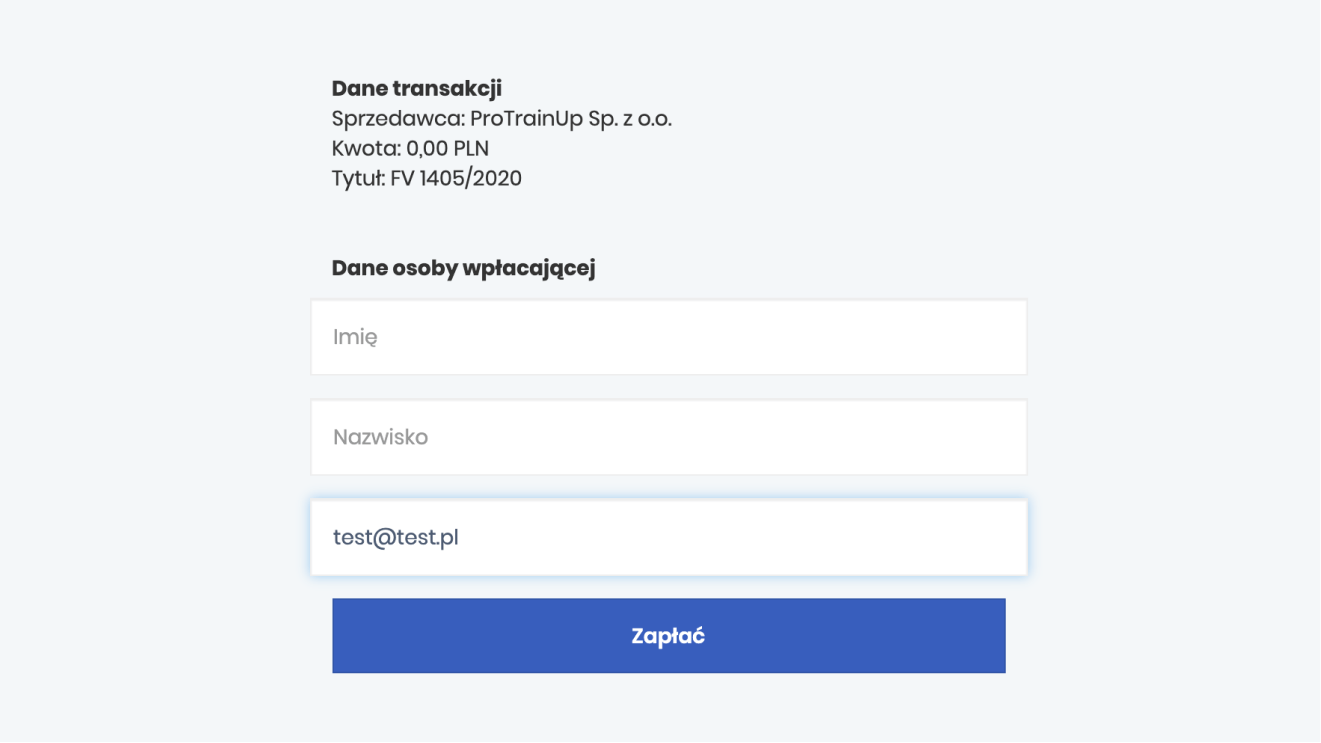
To pay an invoice directly within the system, select "Proceed to payment" from the menu. After clicking, you will be redirected to the payment initiation window, where you can pay the selected invoice via Przelewy24 after entering the required information.