

SMS & Email Sending
Creating a Marketing Campaign
Create email and SMS campaigns with precise audience targeting — players, parents, club staff, or selected individuals.
Creating a New Campaign
The bulk messaging module allows you to create email and SMS campaigns using the same mechanisms you know from the contributions module. To create a campaign from scratch, click Bulk Messages → Schedule New in the left menu.
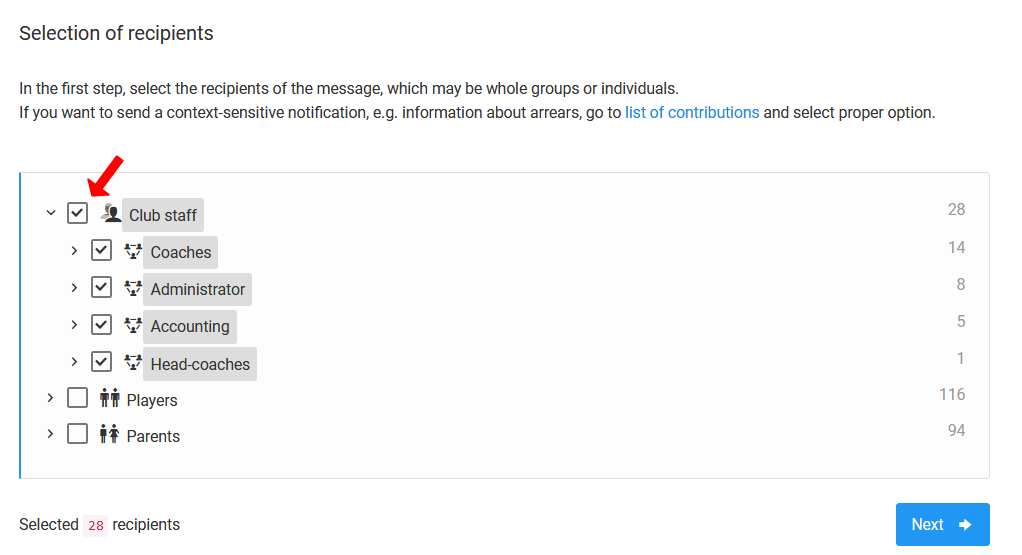
Selecting Recipients
When creating a campaign from scratch, you can precisely define the target group:
- Club staff,
- Parents,
- Players,
- Everyone at once.
You can narrow the campaign down to a single specific person.
Campaign Parameters and Content
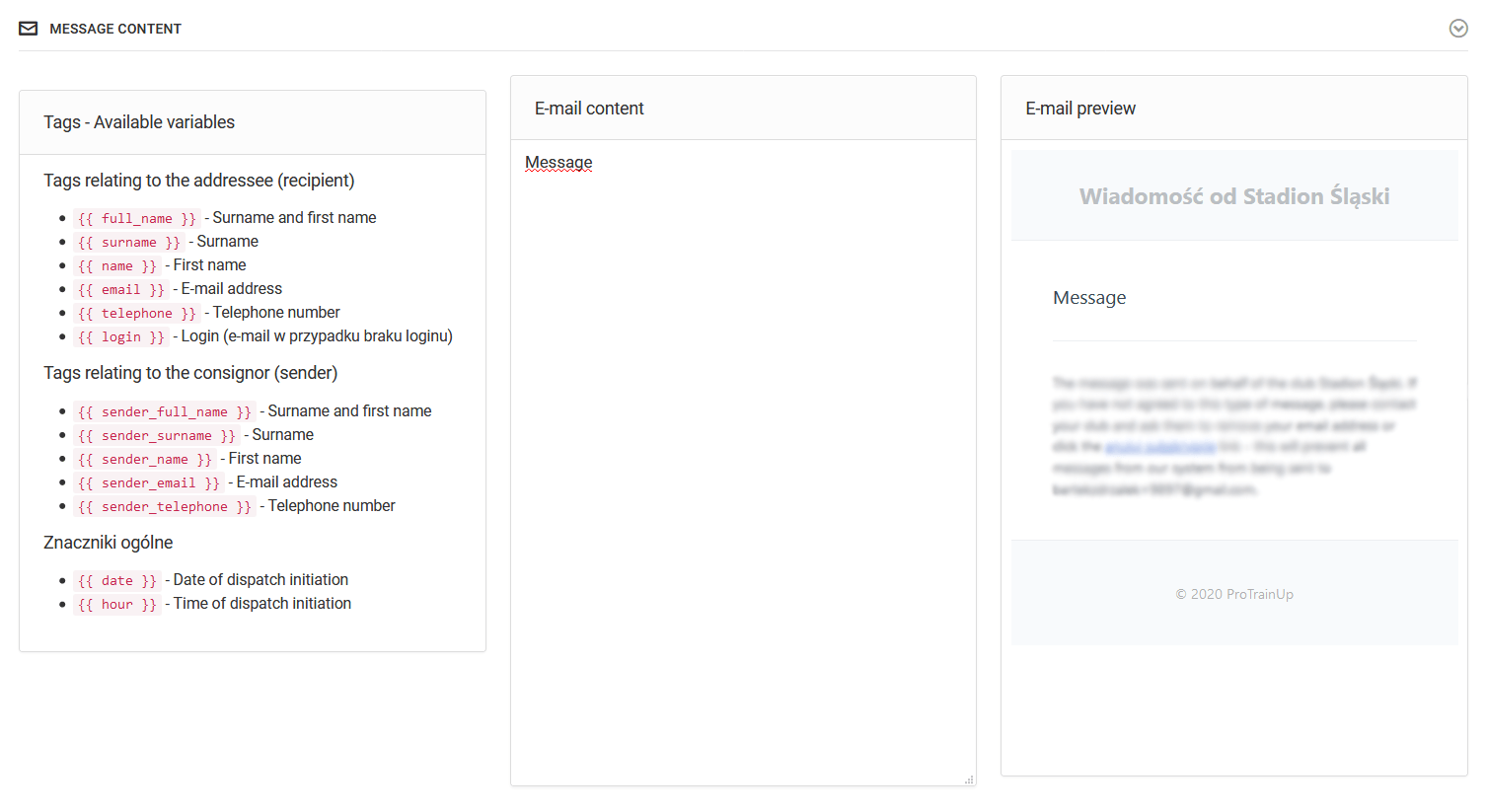
The next step is to set the campaign parameters (the same way as in the contributions module), then prepare the message content.
For SMS messages, exceeding the 140-character limit will result in two SMS messages being sent as one — this may lead to faster depletion of your message limit.
Sending Filters
Before sending, you can apply one of three recipient filtering levels:
- Full filtering — the user receives one message even if they hold multiple roles in the club (e.g. a parent of several children),
- Smart filtering — skips duplicates of people holding equivalent roles (e.g. coach and coordinator, as both are included in the club staff role), but does not skip duplicates such as a parent with two children,
- No filtering — one person may receive the same message more than once if they appear in the club in several different roles.