Medical Examinations
Entering Data
Record player medical examinations — enter results, expiry dates, and details of the examining physician.
How to Enter an Examination?
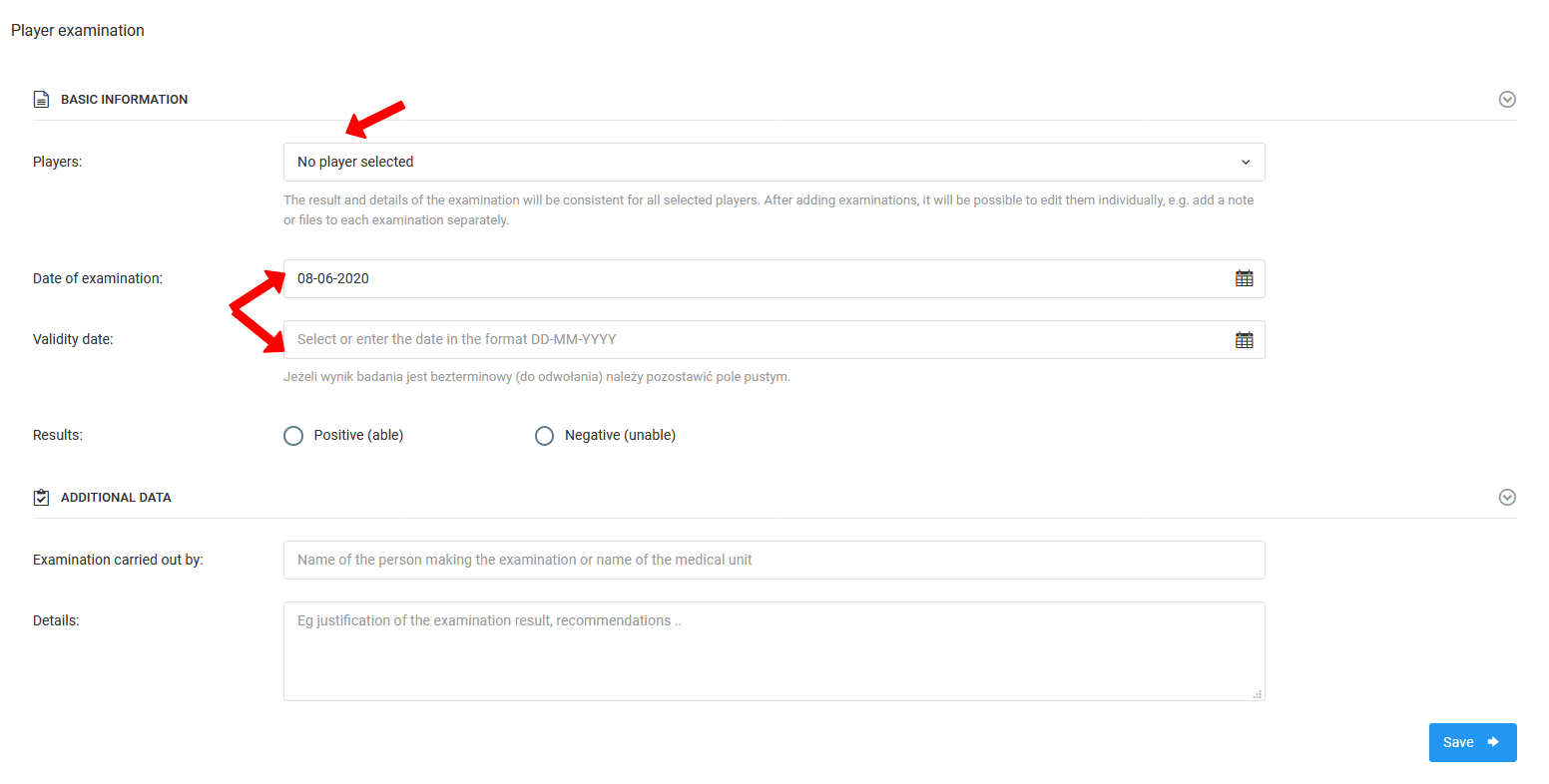
To enter medical examination data, select Diary → Examinations → Add Examination from the left menu. You will be taken to the data entry page where you will fill in the following fields:
- Player list — all players, a specific group, or a single player,
- Examination date,
- Examination expiry date,
- Examination result — fit or unfit,
- Details of the person conducting the examination.