

Evaluations & Observations
Initiating an Observation
Configure observation parameters — type, form, observer, and the list of observed players or employees.
How to Initiate an Observation?
To start an observation, select Club → Evaluations & Observations → Initiate Observation from the left menu. The tab is available from coordinator, administrator, scout, or employee accounts with the appropriate access level.
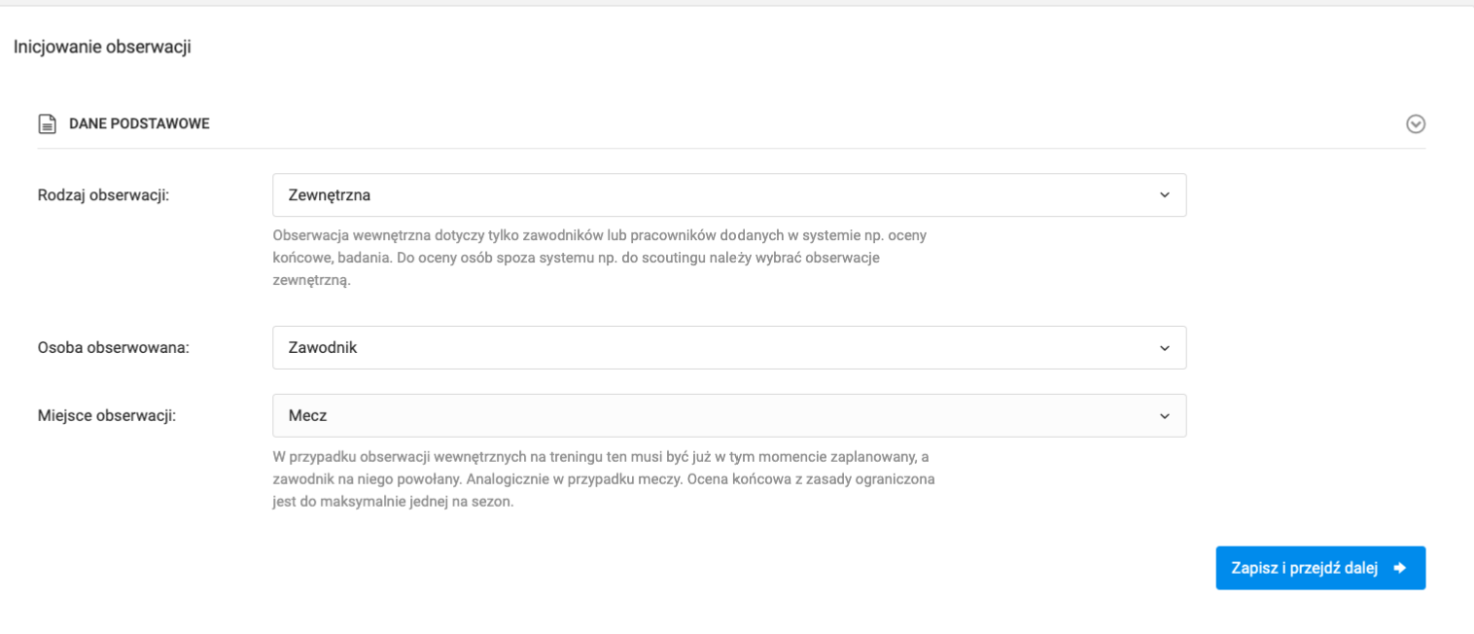
Observation Type
In the first step, define the observation type:
- Internal — concerns players, employees, or coaches currently at the club,
- External — concerns players or employees from other clubs.
Then select the type of observed person — player, coach, or employee — and the observation context:
- Match,
- Training session,
- Observation,
- Final evaluation,
- Other situation.
Depending on the selected options, the available parameters in the next step will change.
Observation Parameters
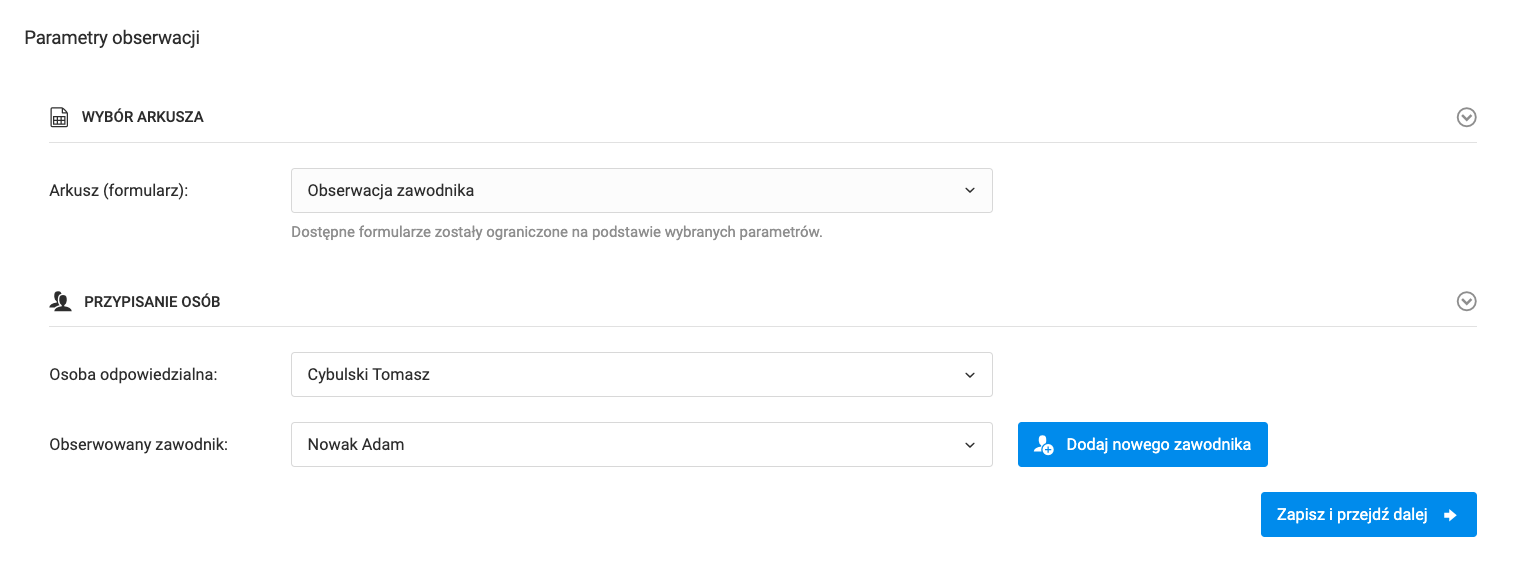
In the next step, fill in:
- Form — select from the list of forms created by you or other club employees,
- Responsible person — you by default, can be changed to another club employee,
- Observed individuals — depending on the observation type:
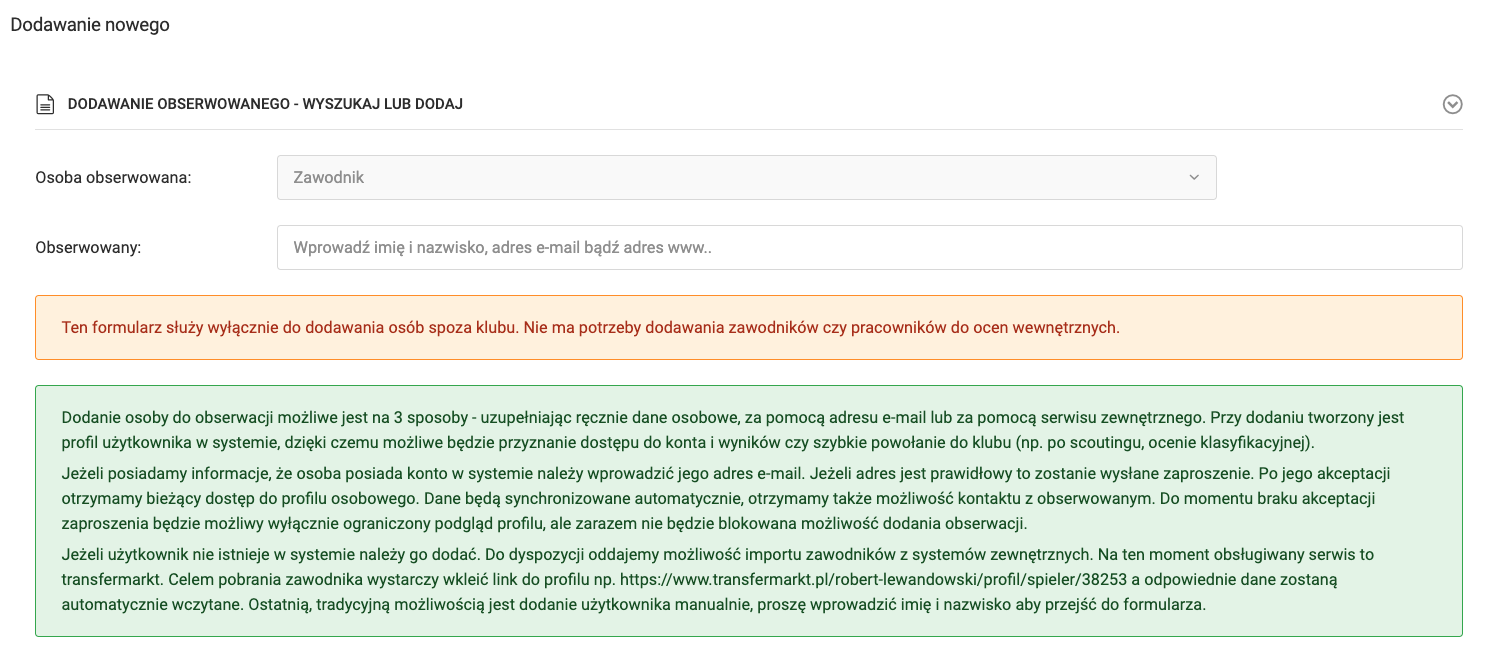
- External — add new observed individuals from another club or select from previous observations,
- Internal — select players or employees from your club.
Once all parameters are set, click "Save and continue".