Evaluations & Observations
Observation
Conduct observations and fill in the evaluation form — with results displayed in tabular, graphical, and category-based views.
Observation Preview
Starting an observation takes place from the observation preview, where you will find information about its parameters, type, and status.
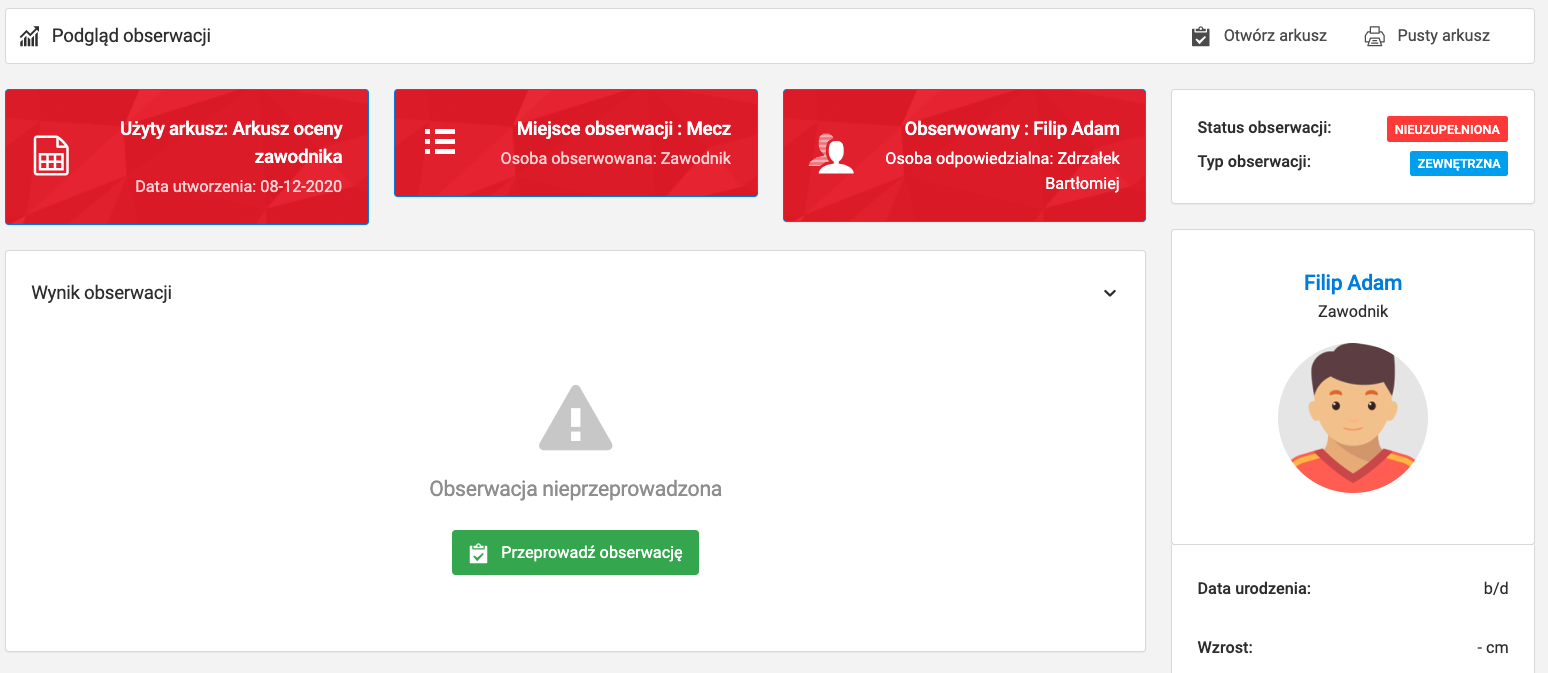
To proceed to filling in the form, click the green "Conduct observation" button.
Filling in the Form
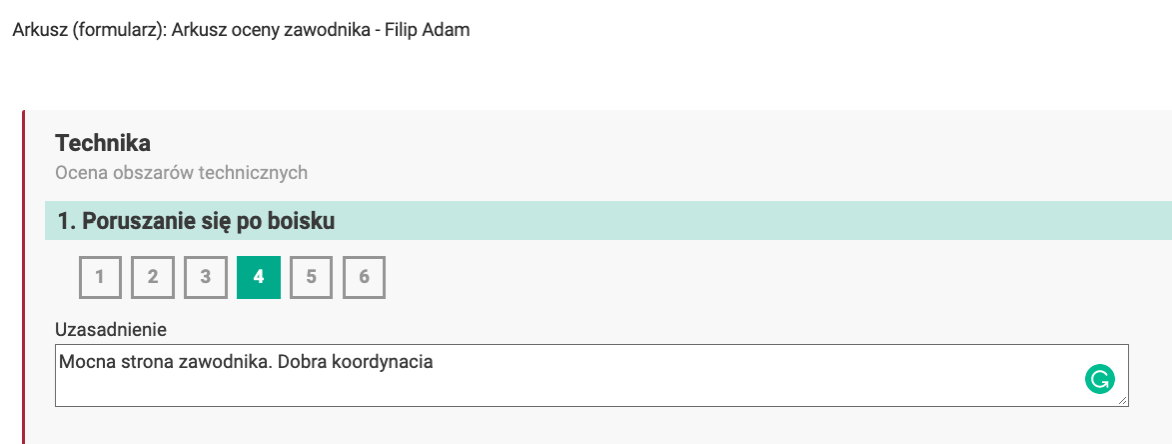
In the observation form you enter specific values for the elements being evaluated. Depending on the question format you can:
- Rate an element and add a text justification — for compound questions,
- Answer questions grouped by categories, corresponding to the tabs created in the form builder.
Once the form is complete, click the green "Save" button.
Observation Results
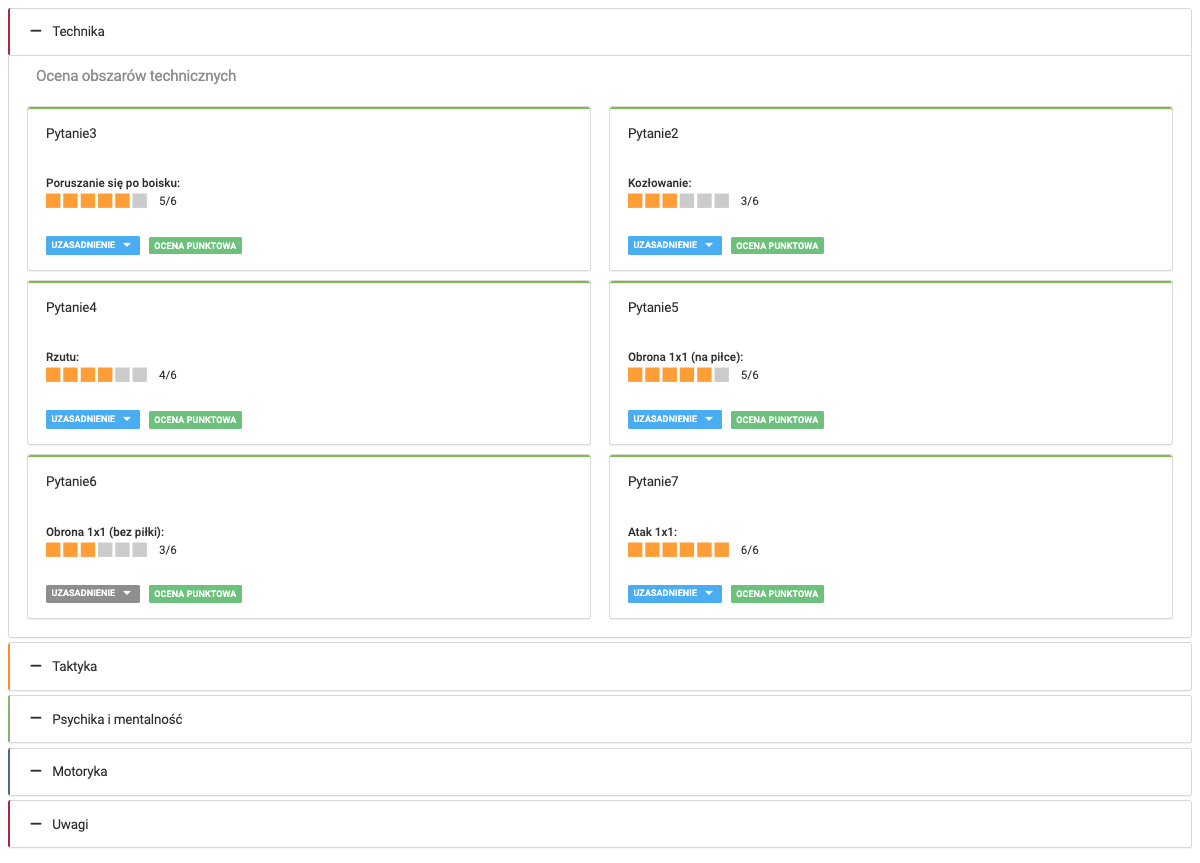
After saving, you will be taken to the observation preview, where the results are presented in three formats:
- Tabular,
- Graphical,
- By category — in line with the form structure.