Global Settings
Entity Profile
Edit club details — name, country, crest, and organization contact information.
Entity Details
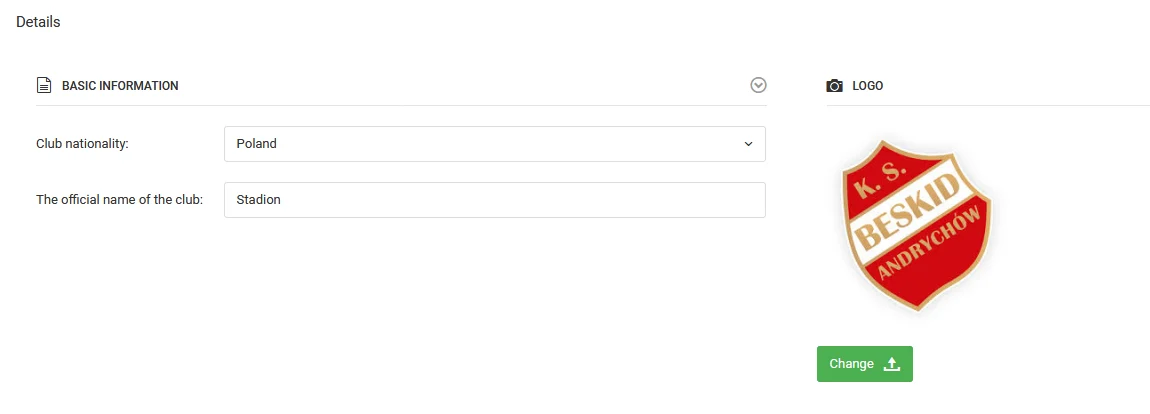
To access the entity profile, select Club → Settings → Profile from the left menu. Here you can enter or edit the following details:
- Official entity name,
- Country,
- Club crest.
In the lower part of the page, fill in the contact details:
- Entity address,
- Contact phone number,
- Email address.