

How to Use the Exercise Library
Library Types
The system offers three types of exercise libraries, differing in access scope and their association with the user or organization:
- Private library — linked directly to the user.
- Club library — linked to the parent account in which the user works.
- Public library — contains exercises shared by coaches from around the world using the system.
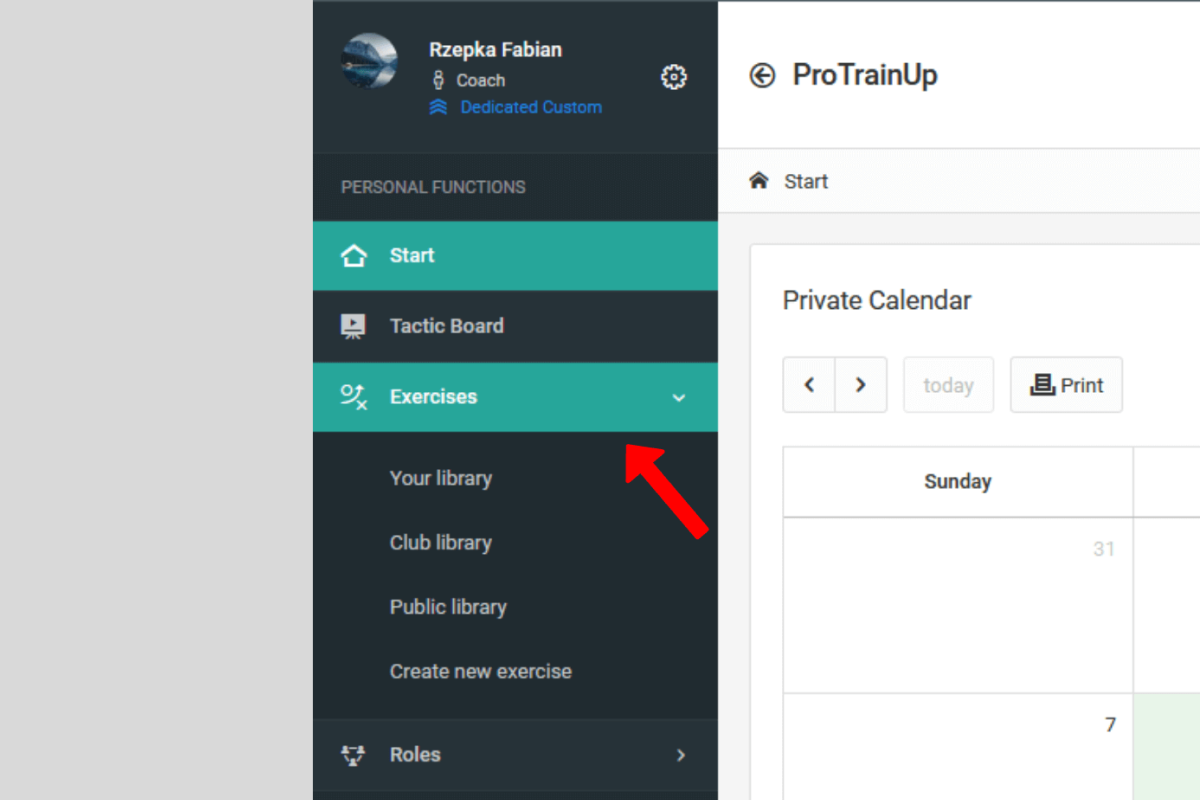
To access a specific library, select the "Exercises" option from the left menu, then click on the exercise library of your choice.
Creating a Directory Structure
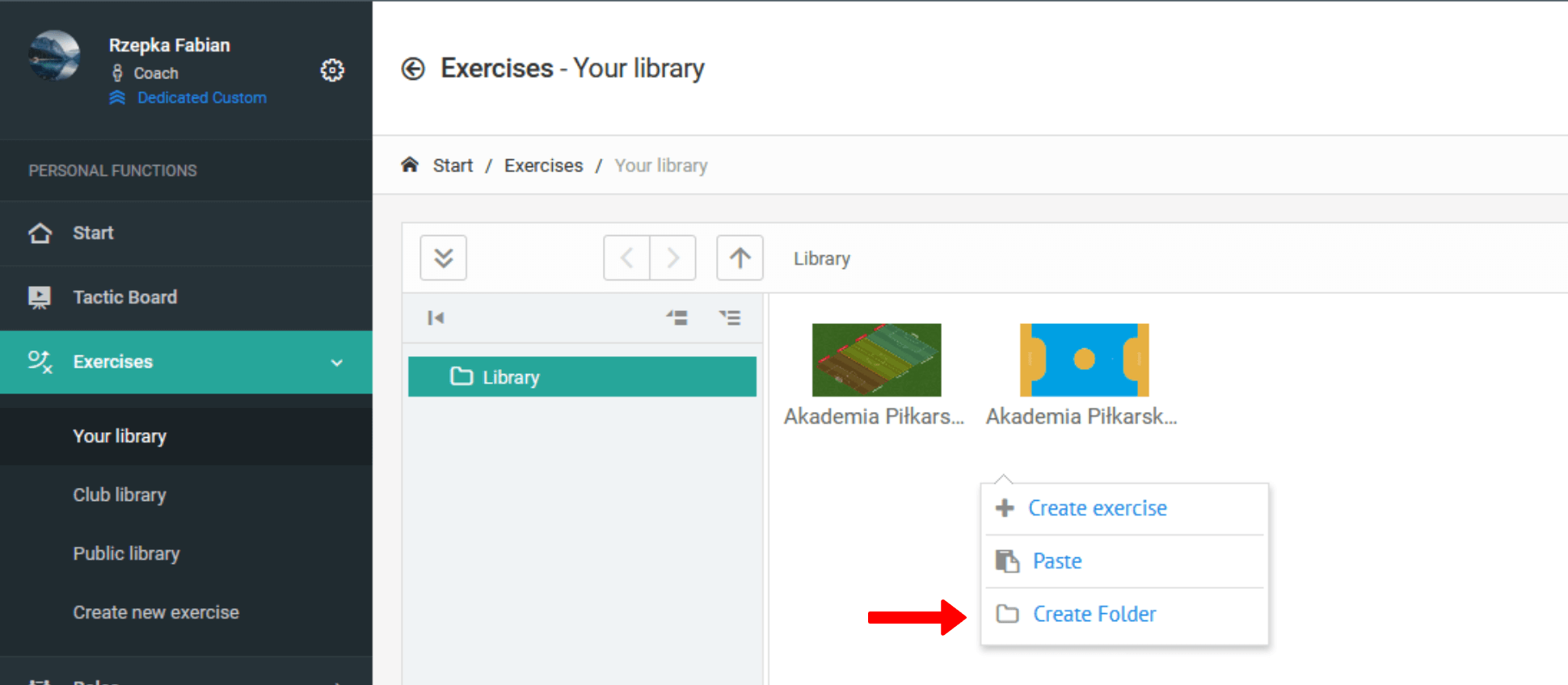
Libraries allow you to create any directory structure, which can be nested freely.
Creating a New Exercise
To create a new exercise, right-click on an empty area and select the "Create exercise" option from the context menu. You will be taken to the exercise creation view.
The exercise creation process consists of several steps:
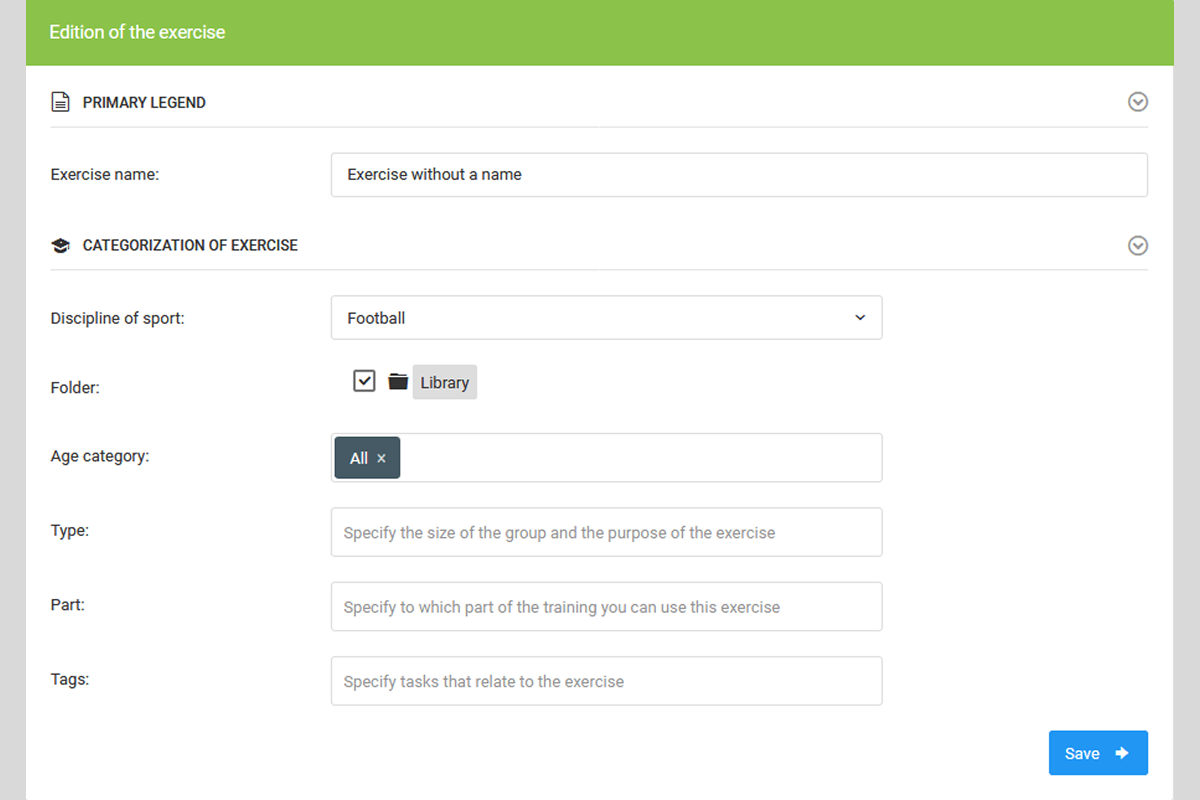
Step 1 - Basic Information
Enter a name, specify the location in the library (folder), and assign exercise tags (age category, type, etc.)
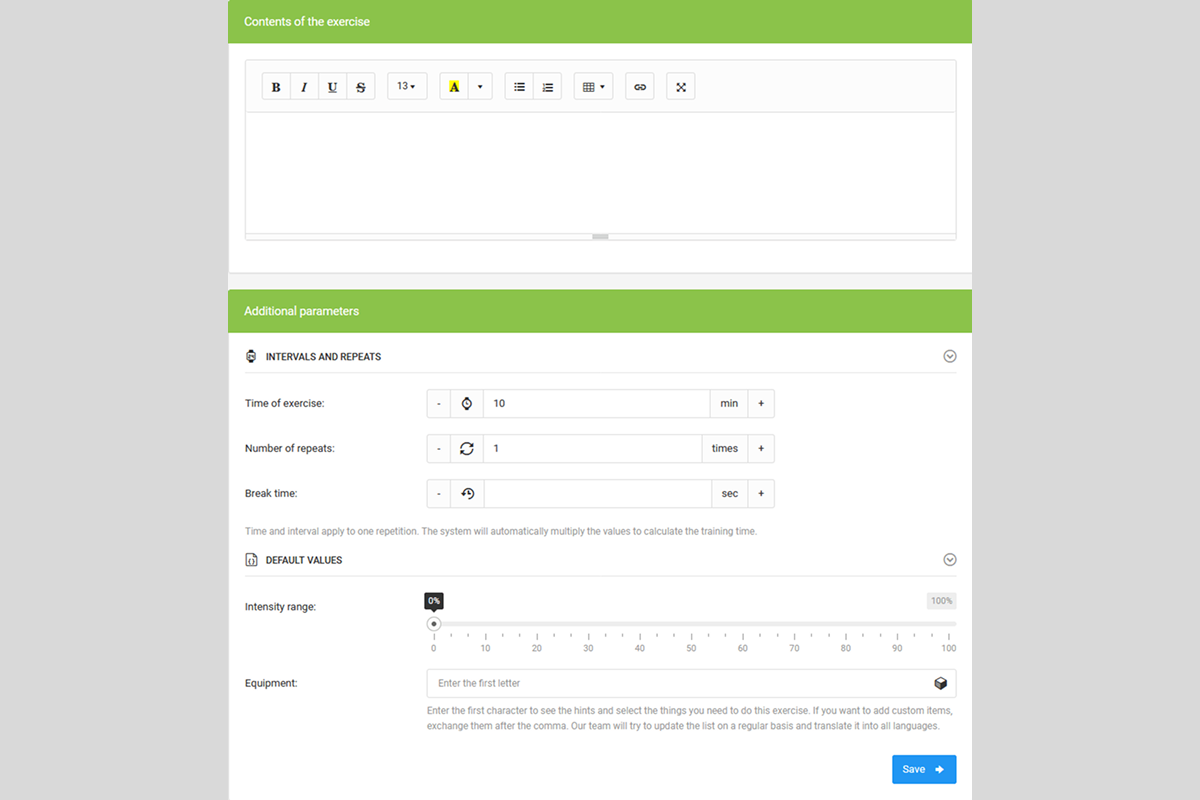
Step 2 - Description and Parameters
Add a description of the exercise and its time parameters.
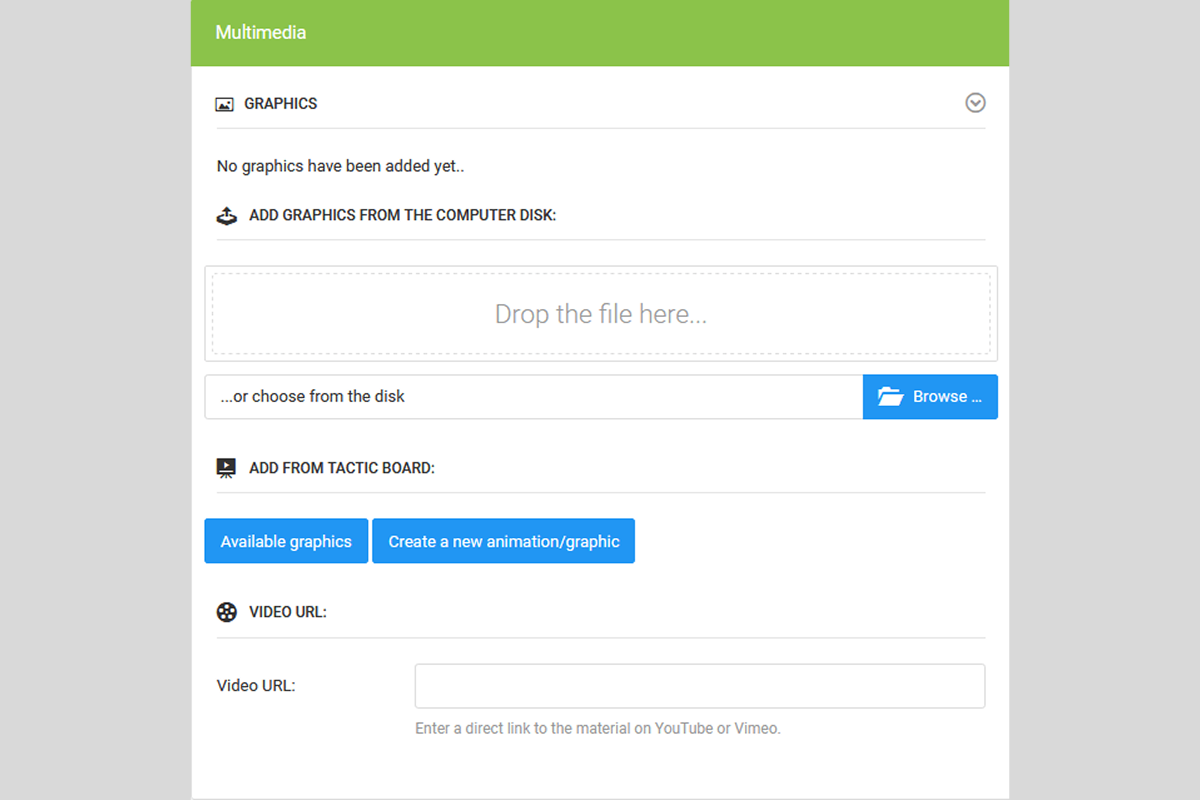
Step 3 - Multimedia
Add graphics to the exercise from your computer's drive or from a previously created project saved in your private exercise library.
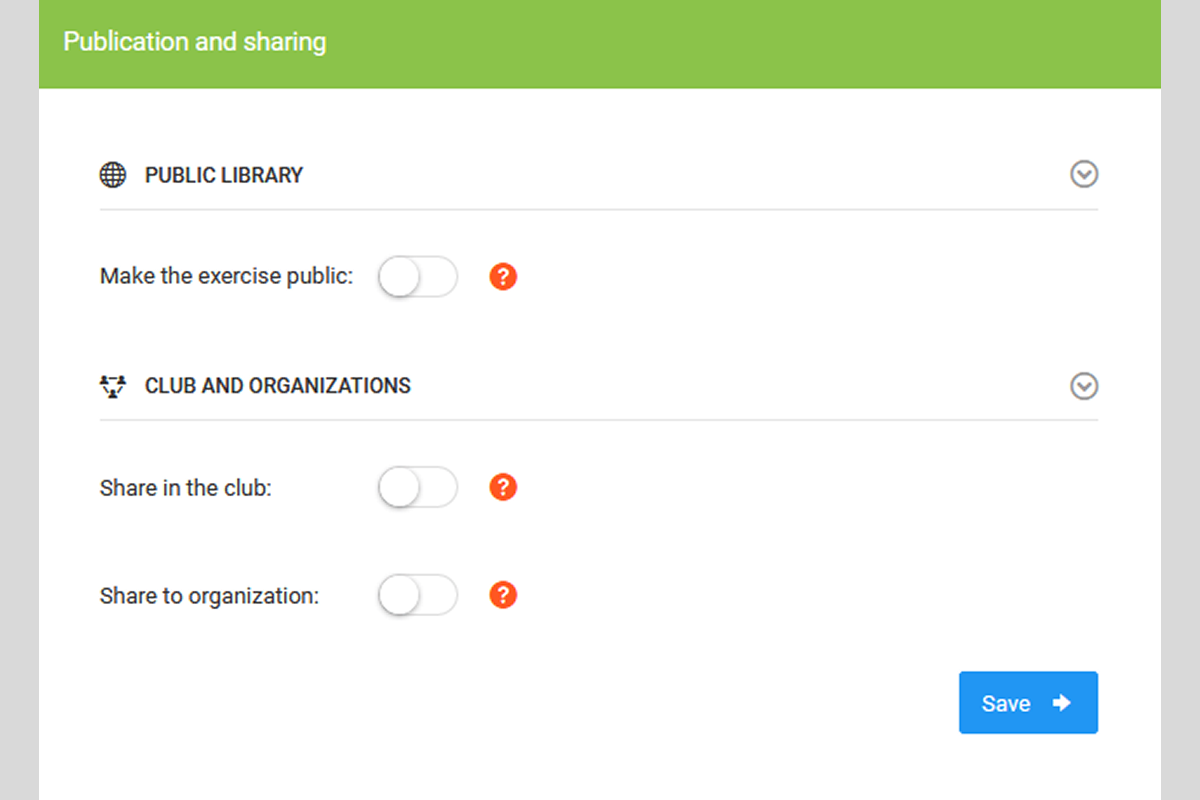
Step 4 - Sharing
Optionally share the exercise to the club or public library.
Video Tutorial — How to Build Your Own Exercise Database
Working with Projects and Drawings
The tactical creator enables creating projects and field drawings - with a rich set of tools for drawing, adding players and equipment, and saving completed work to a private exercise library.
Training Management
A comprehensive guide to creating and managing training sessions — from basic information, through training goals, to managing participants and notifications.